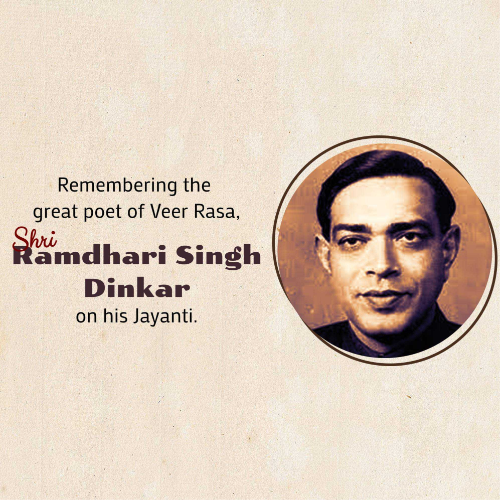
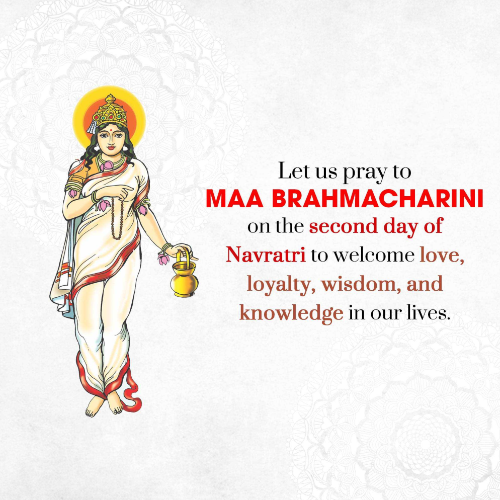
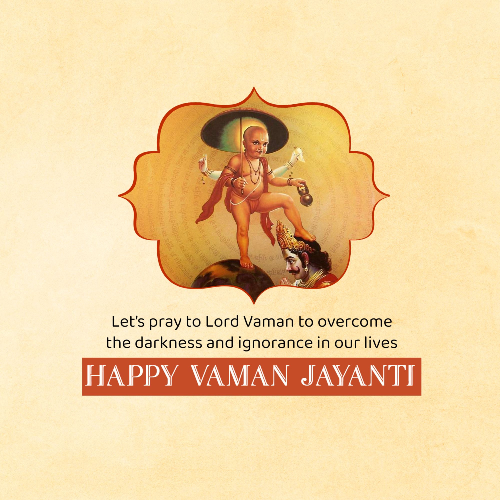
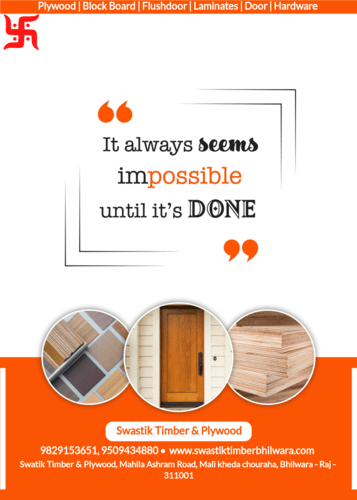
Make eye-catching
  • Festival Posts
  • Festival Videos
  • Business Ads
  • Greetings
  • Daily Wishes
in Minutes

Creating unique Festival and Business posts are just a few steps away.
Choose image/video.. Select frame.. Download & Share..
  • 1,00,000+ Images
  • 10,000+ Videos
  • 150+ Business Categories
Shape imgae
Create social, business, festival, & promotional Posts & videos with Linkconnect
Simplify Your Branding

Create Business Posters and Videos with ready-made templates Now!

Try our business poster and video maker tool to design engaging social, business, festival, and promotional images & videos yourself daily. All can be done and downloaded with a single click. Browse our ready-made templates, find the design you like, then download with your brand frame in 10 sec.

Stay Festive, Stay Branded: Your Daily Festive Fix

Upcoming festivals

Ensure you never miss a festival again! Receive daily festival images and videos with your branding in just 10 seconds.

02
Telangana Foundation Day
02
Raj Kapoor Punyatithi
03
Dorabji Tata Punyatithi
03
Veer Vamanrao Joshi Punyatithi
03
Chimanbhai Patel Jayanti
03
World Bicycle Day
03
Baburao Painter Jayanti
03
Sankashti Chaturthi
03
Kalaigar Karunanidhi Jayanti
04
S.P. Balasubrahmanyam Jayanti
04
International Day Of Innocent Children Victims
05
M.S. Golwalkar Punyatithi
05
Yogi Adityanath Birthday
05
World Environment Day
05
M. Muhammad Ismail Jayanti
06
Nirjala Ekadashi
06
Ajinkya Rahane Birthday
06
World Pest Day
06
Sunil Dutt Jayanti
06
Shivaji Maharaj Rajyabhishek Din
07
National Cancer Survivors Day
07
B.D. Jatti Punyatithi
07
Mahesh Bhupathi Birthday
07
Wrold Food Safety Day
08
Habib Tanvir Punyatithi
08
World Brain Tumour Day
08
World Oceans Day
09
Birsa Munda Death Anniversary
09
Kiran Bedi Birthday
09
World Accreditation Day
10
Syed Nasir Hussain Birthday
10
Rahul Bajaj Ji Jayanti
10
World Eye Donation Day
10
Sundar Pichai Birthday
Industry-Specific Solutions

Business Categories

Explore a vast range of 150+ Business Categories, ensuring a seamless and perfect match for your industry and niche.

Inside LinkConnect: The How-To

How LinkConnect Works ?

Simplify Your Branding: Create Stunning Designs Effortlessly with LinkConnect in 3 Easy Steps!

1

Choose Category & Poster

Open up LinkConnect website or app and choose your category & poster. We offers a wide range of readymade festival and business posters and videos.

How it works - Step-1 - Choose Category & Poster
2

Select Brand Frame

Choose brand frame according to your business logo and details. LinkConnect provide readymade or customized frame options with your business logo and details.

How it works - Step-2 - Select Brand Frame with logo and details
3

Download & Share

Download high-quality posters or videos through LinkConnect and share them on all social platforms.

How it works - Step-3 - Download & share high-quality posters or videos
Features

Loaded with features

Tailored Frames for Every Requirement

Diverse Collection of Frames

Discover a diverse collection of frames, including daily, product, political and custom options, perfectly suited to your needs.

Frequently Asked Questions

How do I make a creative poster & video online?

LinkConnect's poster and video maker allows even non-designers to create professional business marketing designs & videos, even in just 3 easy steps!

  1. Choose your category & poster from our ready-made collections.
  2. Select a brand frame that matches your business logo and details to personalize your design.
  3. Download high-quality posters or videos and share them on all social platforms

How many images and videos can I download daily?

Free users can download unlimited images with watermark, while subscribers can download unlimited images and up to 3 videos daily without watermark.

Can I add multiple business?

Yes, you can add multiple businesses to one LinkConnect account. To add new business Click on Account My Businesses. Here you will get “+ Add Business” button to add another business.

How do I edit my business details in frames?

To change business details and settings in frames, go to Greetings Frame Settings. Upload your business logo (PNG format works best), add/edit business name, contact details, and a business description line (maximum 90 characters). You can customize these settings according to your needs. To change details in political frames, click on the 'Political Frame Settings' tab. Upload the leader image (PNG format works best), add or edit leader details, choose the party logo, and upload supporting member images.

Create business poster and videos. No design skills needed.